
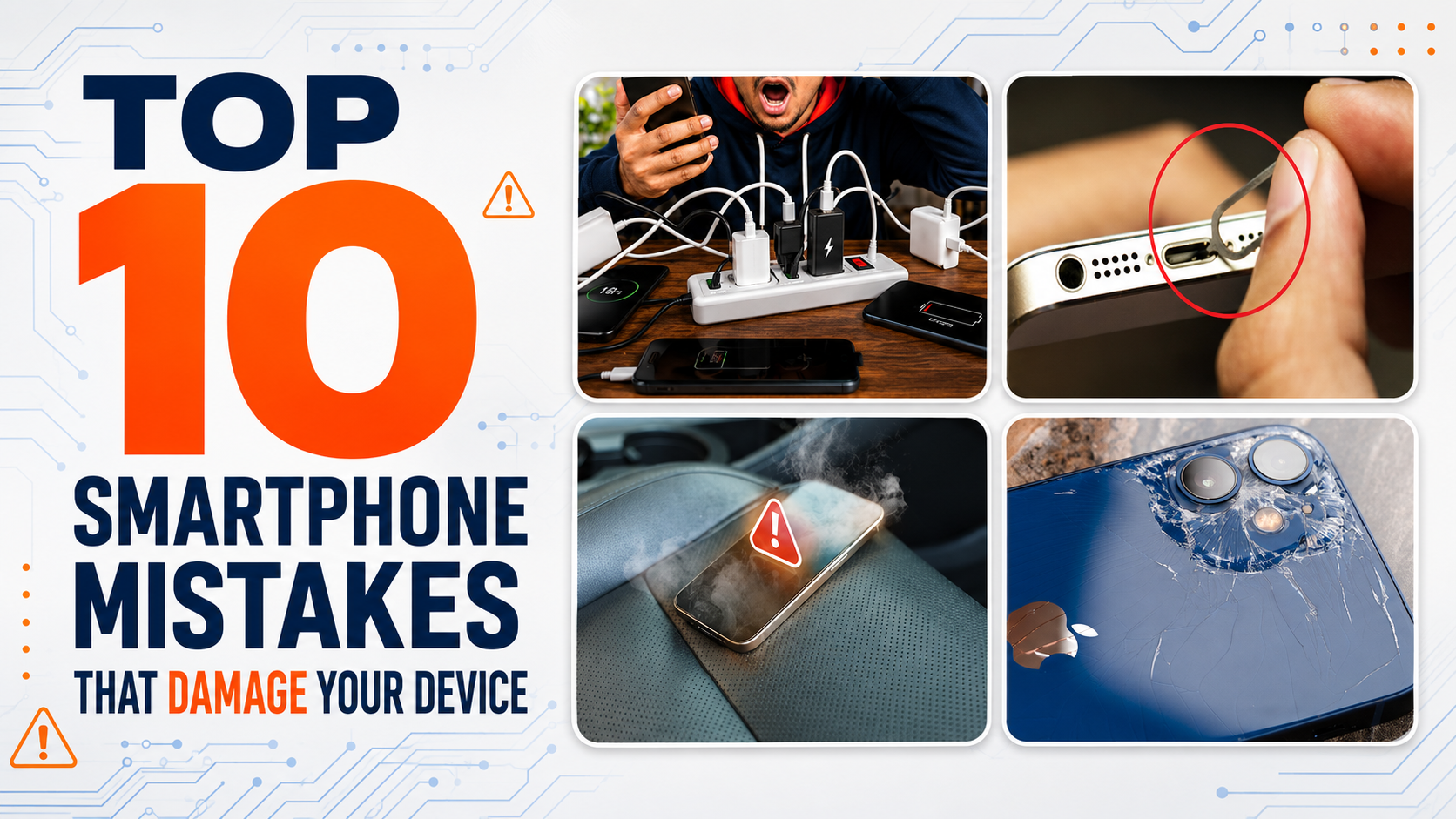
Many smartphone problems are caused by everyday habits rather than manufacturing defects. Discover ten common mistakes that damage screens, batteries, charging ports and internal components.
Smartphones are designed for everyday use, but they are not indestructible. Many devices arrive at repair centres with damage that could have been prevented through better handling and charging habits.
Heat, moisture, unsuitable chargers and repeated physical pressure can gradually damage a phone—even when no immediate problem is visible.
Here are ten common smartphone mistakes and how to avoid them.
1. Using Cheap, Damaged or Incompatible Chargers
Not every third-party charger is dangerous, but low-quality or incompatible chargers may provide unstable voltage or fail to include proper protection circuits.
An unsuitable charger or cable can cause:
Slow or interrupted charging Excessive heat Charging-port damage Battery deterioration Touchscreen problems while charging Damage to charging-related motherboard components
Use the original charger or a high-quality, safety-certified charger compatible with your phone’s charging requirements. Replace cables with exposed wires, burnt connectors or loose plugs.
2. Using the Phone Heavily While It Is Charging
Normal light use while charging is usually acceptable. However, gaming, video editing, navigation and other demanding activities can generate considerable heat.
The phone is receiving power while the processor, display and battery are working heavily. This combination can increase temperature and accelerate battery ageing.
If the device becomes unusually hot while charging:
Stop using it. Disconnect the charger. Remove any thick case. Allow it to cool naturally.
Never place a charging phone under a pillow, blanket or other object that prevents heat from escaping.
3. Exposing the Phone to Excessive Heat
Heat is one of the biggest enemies of a smartphone battery and display.
Common sources include:
Leaving the phone inside a parked car Placing it in direct sunlight Keeping it near cooking equipment Charging it on a hot surface Using navigation continuously on a dashboard Heavy gaming in a hot environment
Excessive heat can damage the battery, weaken display adhesive and affect internal components. In severe cases, the battery may swell and push against the screen or back panel.
Keep the phone in a cool, ventilated environment and stop using it if an overheating warning appears.
4. Assuming a Water-Resistant Phone Is Waterproof
A water-resistance rating does not mean a phone can never suffer liquid damage.
Water resistance may reduce because of:
Device age Drops or frame damage Previous repairs Worn seals and adhesives Heat exposure Cracked back glass Damage around buttons or ports
Using the phone with wet hands, taking it into a shower, leaving it near a pool or exposing it to rain can allow moisture to enter the charging port or internal components.
Saliva can also cause corrosion when babies or children put the phone or charging cable in their mouths.
If the phone becomes wet, do not connect a charger until the device and charging port are completely dry.
5. Cleaning the Charging Port With Metal Objects
Dust and pocket lint can collect inside a charging port and prevent the cable from connecting correctly. Some users attempt to remove it using:
Needles Safety pins Metal tweezers SIM-ejector tools Screwdrivers
These objects can bend or break the charging contacts. They may also create a short circuit and damage the charging board or motherboard.
Do not spray cleaning liquids directly into the port or use excessive compressed air. If the port requires internal cleaning, have it cleaned using suitable non-conductive tools and professional methods.
6. Ignoring a Cracked Screen or Back Glass
A small crack may seem harmless, but it reduces the phone’s structural protection.
Cracked glass may allow:
Moisture to enter the device Dust to reach internal components Cracks to spread across the display Sharp glass to injure the user Additional pressure to damage the OLED panel
A cracked back panel can also expose the battery, wireless-charging coil or cameras to moisture and dirt.
Use a suitable protective case temporarily and arrange a repair before the damage becomes more serious.
7. Continuing to Use a Swollen or Overheating Battery
A swollen battery may lift the display, separate the back cover or deform the phone’s frame.
Other battery warning signs include:
Rapid battery drain Unexpected shutdown Excessive heat Charging percentage jumping suddenly Chemical smell Screen or back panel lifting Battery not charging normally
Do not press a lifted screen or back cover into position. Never puncture, bend or heat a swollen battery.
Stop using the device and arrange a battery inspection immediately. Continuing to charge a damaged battery can create a serious safety risk.
8. Carrying the Phone Carelessly
Phones are frequently damaged by pressure rather than a direct drop.
Common mistakes include:
Keeping the phone in a back pocket Sitting on the device Placing heavy objects on it Carrying it with keys or metal tools Leaving it near the edge of a table Using a loose or unsuitable case
Pressure can bend the frame, crack the display or damage motherboard solder joints—even when there are no major marks outside.
Use a correctly fitted protective case and keep the phone in a separate pocket or compartment.
9. Ignoring Software Updates and Storage Warnings
Software problems may not physically break the phone, but they can cause instability, overheating and data loss.
Installing applications from untrusted sources can introduce malware, advertisements or software that runs constantly in the background.
Keeping the internal storage almost completely full may also cause:
Slow performance Application crashes Camera recording failure Update problems Restarting or freezing Difficulty creating backups
Install applications only from trusted sources, keep the operating system updated and regularly remove unnecessary files.
Always maintain a recent backup of important photos, contacts and documents.
10. Handling Foldable Phones Like Normal Smartphones
Fold and Flip phones contain flexible OLED displays, moving hinges and internal flex cables. They require more careful handling than traditional smartphones.
Avoid:
Pressing the inner screen with fingernails Using sharp objects on the flexible display Closing the phone with an object inside Folding it when sand or debris is on the screen Forcing a stiff or damaged hinge Removing the factory inner screen protector Continuing to fold when the protector is lifting or bubbling
If the inner display flickers, turns black at certain angles or develops bubbles along the crease, stop repeatedly folding the phone and have it inspected.
Continued folding may turn a repairable screen-protector or flex-cable problem into complete display failure.
Simple Habits That Protect Your Phone
You can reduce the risk of expensive repairs by following these habits:
Use a reliable charger and cable. Keep the phone away from heat and moisture. Avoid charging on beds, sofas or under pillows. Use a properly fitted protective case. Keep the charging port clean and dry. Do not ignore cracks, overheating or battery swelling. Back up your important data regularly. Handle foldable displays and hinges carefully. Arrange an inspection when unusual symptoms first appear. When Should You Visit a Repair Centre?
Have your phone inspected if you notice:
Frequent overheating Battery swelling Unstable charging Moisture warnings that do not disappear Flickering or black display Restarting or unexpected shutdown Loose charging connection Unusual smell or sound Screen or back cover lifting
Early inspection can sometimes prevent a small fault from damaging more expensive components.
Final Thoughts
Many smartphone problems develop gradually through everyday mistakes. Cheap chargers, excessive heat, moisture, physical pressure and ignored warning signs can shorten the life of the battery, display, charging port and motherboard.
Good charging habits and careful handling will not make a phone indestructible, but they can significantly reduce avoidable damage and repair costs.
ATM Mobile Phone Repair provides professional inspection for display, battery, charging-port, Fold and Flip, water-damage and motherboard problems. The correct repair option can be confirmed after physically inspecting the device.
Was this article helpful?