
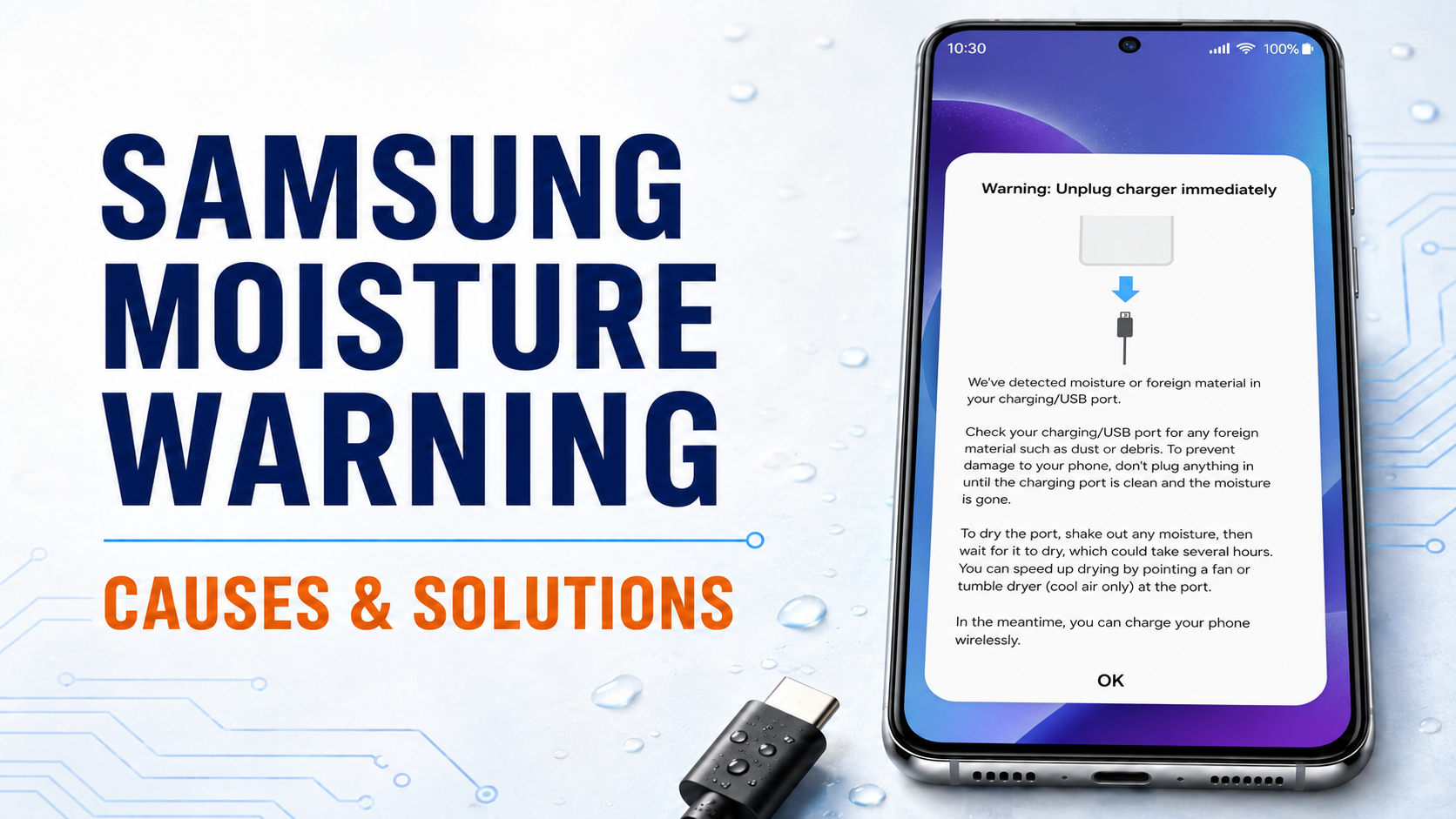
Is your Samsung phone displaying a moisture warning and refusing to charge? Learn what triggers the warning, how to dry the charging port safely and when professional repair is necessary.
A moisture warning on a Samsung phone can be frustrating, especially when the charging port appears completely dry. The phone may display a water-drop icon, sound an alarm or show a message such as:
“Moisture or foreign material detected in the charging/USB port.”
Wired charging is temporarily disabled when the phone detects moisture or an abnormal electrical connection inside the USB port. This is a protective feature designed to reduce the risk of short circuits and corrosion. Samsung UAE Support
Why Does Samsung Stop the Phone From Charging?
A charging port contains several closely positioned electrical contacts. If electricity passes through these contacts while moisture is present, it may cause:
Short circuits Charging-port corrosion Damage to the charging cable Unstable or slow charging Damage to charging-related components Motherboard failure
The warning does not necessarily mean the phone has been submerged in water. Even a small amount of moisture, condensation or conductive dirt can activate the protection system.
Common Reasons for the Moisture Warning 1. Using the Phone in a Humid Area
High humidity can cause moisture to collect inside the charging port even when the phone has not directly touched water.
This can happen when using the phone:
Inside a steamy bathroom Near a kitchen cooking area Outdoors during humid weather Close to a swimming pool In an air-conditioned room immediately after being outside Inside a pocket while sweating
Moving quickly between hot, humid outdoor air and a cold air-conditioned environment can also cause condensation.
2. Using the Phone With Wet Hands
Water from wet hands can easily enter the USB port while holding or connecting the phone.
Only a few drops may be enough to trigger the warning. This frequently happens after washing hands, cleaning, cooking or swimming.
Always dry your hands completely before handling the phone or connecting its charger.
3. Children Putting the Phone in Their Mouth
Babies and young children may suck, bite or put the bottom of a phone in their mouths. Saliva can enter the charging port and activate the moisture warning.
Because saliva contains minerals and salts, it can also cause corrosion if it remains inside the port.
The same problem can happen when children put a charging-cable connector in their mouths. Never connect a wet cable to a phone.
4. Rain or Accidental Water Exposure
Using the phone in the rain, placing it near a sink or spilling a drink can allow moisture to enter the USB port.
Even if the phone is water-resistant, the charging port may remain wet and wired charging will be disabled until it dries.
Water resistance is not permanent and may reduce as the phone ages, suffers impact or undergoes previous repair. It should not be treated as a guarantee against liquid damage.
5. Sweat Entering the Charging Port
Keeping a phone in a pocket during exercise or outdoor work can expose it to sweat.
Sweat is more corrosive than clean water because it contains salt. It may leave residue on the charging contacts even after the visible moisture has dried.
6. A Wet or Damaged Charging Cable
The problem may come from the charger rather than the phone.
Possible causes include:
A wet USB connector Dirt inside the cable connector Corroded charging pins A damaged or low-quality cable Liquid residue on the charger
Test the phone only after everything is completely dry. If possible, try a different compatible cable and charger.
7. Dirt or Foreign Material Inside the Port
Pocket lint, dust, sand and other debris can collect inside the charging port. If the material is damp or conductive, the phone may identify it as moisture.
Do not insert needles, metal tools or sharp objects into the port. These can bend the pins, create a short circuit or permanently damage the charging connector.
8. Charging-Port Corrosion
A previous liquid exposure may leave corrosion inside the USB port. The phone may continue displaying the warning even after it has dried.
Green, white or dark residue around the contacts can indicate corrosion. Professional cleaning or charging-port replacement may be required.
9. Charging-Port or Sensor Fault
If the port is clean and completely dry but the warning continues, the problem may be caused by:
Damaged charging-port contacts A faulty charging sub-board A damaged flex cable Moisture-detection circuit failure Motherboard charging-circuit problems A temporary software error
An inspection is needed before replacing any component.
What Should You Do Immediately? Step 1: Disconnect the Charger
Remove the charging cable immediately. Do not repeatedly reconnect it to check whether the warning has disappeared.
Step 2: Switch Off the Phone
If the phone was exposed to a significant amount of liquid, switch it off. Continuing to use a wet phone may allow corrosion or electrical damage to spread.
Step 3: Wipe the Exterior
Use a clean, dry and lint-free cloth to wipe the phone and charging cable.
Hold the phone with the USB port facing downward. You may gently shake it a few times to help remove excess moisture, but do not use excessive force.
Step 4: Allow It to Dry Naturally
Place the phone in a cool, dry and well-ventilated area with the charging port facing downward.
A normal fan can be used to provide cool airflow. Depending on the amount of moisture, drying may take several hours or longer.
Samsung advises leaving the device to dry completely before trying wired charging again. Samsung Support
What Should You Avoid?
Do not use:
A hot hairdryer An oven or microwave A heating plate Direct strong sunlight Compressed air at high pressure Needles or metal cleaning tools Cotton that can remain inside the port Rice
Excessive heat can damage the battery, display, adhesive and internal components. Rice does not remove corrosion and may introduce dust or small particles into the port.
Can You Use Wireless Charging?
If your Samsung model supports wireless charging, it may be possible to use it while the USB port dries.
However, do not wirelessly charge a phone that is visibly wet, overheating or suspected of having serious internal liquid damage. Dry and inspect the phone first.
What If the Warning Remains After Drying?
Once you are certain the phone and cable are completely dry, try these steps:
Restart the phone. Check the port for visible dirt or residue. Try a different compatible charging cable and adapter. Install available Samsung software updates. Clear the USB Settings cache.
The menu names can vary by model, but the usual route is:
Settings → Apps → Show system apps → USB Settings → Storage → Clear cache
Clearing the USB cache should only be attempted after confirming that the port is genuinely dry. It cannot repair corrosion or physical charging-port damage. Samsung also recommends professional assistance if the warning persists. Samsung UAE Charging Guide
When Should You Visit a Repair Centre?
Arrange an inspection if:
The warning remains after the phone has dried completely It returns frequently without visible moisture The port contains corrosion or discoloured contacts The cable feels loose inside the port The phone charges only at certain angles The device was exposed to seawater, juice or another liquid The phone is overheating Wired charging has completely stopped The phone does not switch on
Seawater, soft drinks, juice and other liquids leave conductive residue behind. Drying alone may not solve the problem because the residue can continue causing corrosion.
Can the Moisture Warning Be Permanently Disabled?
The protection feature should not be permanently disabled. It exists to prevent charging while moisture or an abnormal electrical connection is detected.
Bypassing the warning and forcing the phone to charge can damage the charging port or motherboard.
The correct solution is to identify whether the cause is moisture, dirt, corrosion, a damaged port or a circuit fault.
Final Thoughts
Samsung’s moisture warning is an important safety feature, not simply an inconvenience. It may be triggered by direct water exposure, humidity, wet hands, sweat, children putting the phone in their mouths, a wet cable, port debris or internal corrosion.
Disconnect the charger, allow the phone to dry completely and avoid using heat or metal objects. If the warning continues after proper drying, the charging port and related circuits should be professionally inspected.
ATM Mobile Phone Repair can inspect Samsung charging ports for moisture, corrosion, damaged connectors and charging-circuit faults. The correct repair option can be confirmed after checking the device physically.
Was this article helpful?