
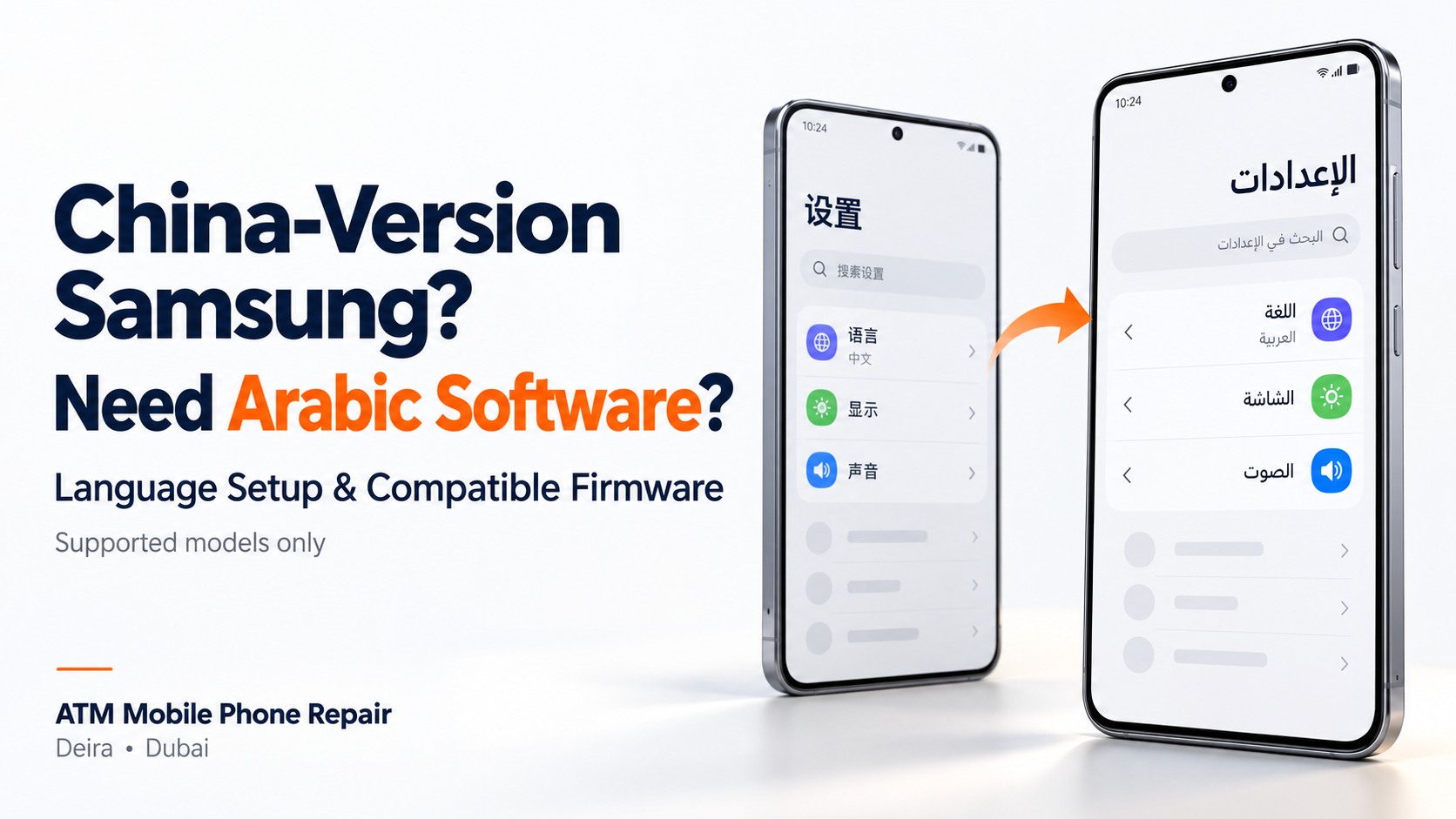
Bought a Samsung phone from China and need Arabic support? Learn the difference between changing the language and installing regional firmware, what may be possible and why model compatibility matters.
Can You Change a China-Version Samsung Phone to Arabic Software?
Have you purchased a Samsung phone from China and found that its language options, applications or regional settings differ from the phones sold in the UAE?
Customers often ask: “Can you change my phone from the China version to an Arabic version?”
On supported devices, compatible firmware installation may provide the required Arabic support or regional software configuration. However, not every China-market phone can be converted to Middle East firmware.
At ATM Mobile Phone Repair in Dubai, we assess imported phones and provide Arabic-support and regional firmware flashing services where a compatible solution is available.
The first step is to check the exact model and understand what you want to change.
Changing the Language and Changing the Region Are Different
Some customers only want Arabic menus or an Arabic keyboard. Others want a different regional software experience.
These are separate requirements.
Language settings control how supported menus and text appear. If Arabic is already available, a normal settings change may be enough.
Samsung provides options for adding languages and choosing a default language on supported Galaxy devices. Available options can vary with the software installed.
Regional firmware, meanwhile, is part of the software configuration supplied for a particular device and market. Changing it is more involved than selecting a language.
Before requesting a full software change, explain whether you need Arabic menus, Arabic typing, a particular application or help with a specific regional feature.
What Is an “Arabic ROM”?
“Arabic ROM” is a term commonly used by customers and repair shops for phone firmware that includes Arabic support, sometimes associated with Middle East regional software.
It is not one universal software package that fits every phone.
Flashing means writing firmware to the device. The firmware must be compatible with the phone’s exact hardware and supported software configuration.
A package intended for one Samsung variant should not be assumed suitable for another simply because both phones share the same commercial model name.
Why Do Imported Phones Have Different Software?
Phones intended for different markets may have different software configurations, preinstalled applications and regional services.
Customers may notice differences in:
Available interface languages.
Default applications and services.
Regional content.
Payment-service availability.
Software-update behaviour.
Certain carrier-related features.
Not every difference requires flashing. Some can be addressed through ordinary settings, while others depend on the device variant, account, carrier or service provider.
A technician should identify the actual requirement before recommending a software change.
Can Every China-Version Samsung Phone Be Converted?
No. Compatibility must be checked individually.
The phone’s commercial name is not enough to confirm whether another region’s firmware will work.
Before accepting a firmware conversion, the assessment should consider:
The complete model number.
The installed software version.
The supported regional configuration.
Bootloader and software restrictions.
Availability of compatible firmware.
The features the customer expects after the change.
Some devices may support a suitable firmware option. Others may only support language configuration or have limitations that cannot be resolved through flashing.
A phone should not be advertised as fully convertible before these details are checked.
What Can This Service Help With?
Depending on the model and compatible software available, the service may help customers obtain:
Arabic interface support.
Arabic keyboard and input configuration.
A more suitable regional software setup.
Reinstallation of compatible firmware when software repair is required.
The expected outcome should be explained before work begins.
Adding Arabic support does not automatically turn an imported phone into a UAE-market device with every local feature.
The phone’s original hardware remains the same.
Will Samsung Wallet and Local Banking Apps Work?
This needs separate checking.
Samsung states that Samsung Wallet compatibility depends on factors including the device model, region, carrier and firmware version. Installing Arabic-compatible software alone does not guarantee Wallet support.
Similarly, a regional software change should not be presented as a guaranteed solution for every banking application, Google service or carrier feature.
If a particular service is your main reason for requesting the change, tell the technician before approving the work.
For example:
“I need Arabic menus” and “I need to add my UAE bank card to Samsung Wallet” are different goals and require different checks.
Will Flashing Erase My Photos and Files?
It may. Prepare for the possibility of a complete data wipe.
The effect on data depends on the procedure and the device’s condition. Do not assume that photos, messages, applications and settings will remain after a firmware change.
Before handing over the phone:
Back up important photos, videos and documents.
Check that your contacts are saved.
Complete any necessary WhatsApp backup.
Make sure you can access your Google and Samsung accounts.
Keep recovery methods available for important accounts and authenticator apps.
Samsung Smart Switch can help back up supported data to a computer, but you should separately confirm that important application data is protected.
Is Official Firmware the Same as a Custom ROM?
No. Manufacturer firmware and modified or custom software are different.
Ask the repair centre what type of software will be installed and whether the procedure involves rooting or other security-related changes.
Samsung explains that its Knox Warranty Bit detects certain unofficial software changes. If triggered, features that rely on Knox security can become unavailable. This does not mean every installation of compatible official firmware triggers Knox. The method and software used matter.
Any expected effect on security features should be discussed before proceeding.
Will the Phone Continue Receiving Updates?
Future update behaviour depends on the final firmware and regional configuration.
Do not assume that an imported phone will receive the same updates, on the same schedule, as a locally sold version after flashing.
Before approving the service, ask:
Will normal over-the-air updates remain available?
Are there any known update limitations?
Will future updates affect the changes made?
Is any follow-up software service expected?
A working phone immediately after flashing does not, by itself, confirm how every future update will behave.
How ATM Mobile Phone Repair Handles the Service
We begin by checking the exact device model, existing software and the customer’s requirements.
For a suitable device, the service process includes:
Assessment: Confirm whether the requested change is supported.
Explanation: Discuss the available option, expected result and limitations.
Backup preparation: Explain any data-wipe requirement before proceeding.
Firmware installation or configuration: Perform the agreed software work.
Testing: Check startup, Arabic display and input, connectivity and the agreed functions.
The quotation and expected turnaround depend on the device and the work required.
What Should You Send Us Before Visiting?
To help us assess your request, send:
Your phone’s full model number.
A screenshot of Settings → About phone, with the IMEI and serial number hidden.
The installed software version, if available.
A short explanation of what you want to change.
For example:
“My Samsung phone is a China version. I want Arabic menus and an Arabic keyboard. Can you check whether my model supports this?”
This helps us identify whether you need a simple language setup or a more involved firmware service.
Samsung Arabic Firmware Services in Dubai
If your imported Samsung phone does not provide the Arabic support or regional setup you need, a compatible software solution may be available.
ATM Mobile Phone Repair in Deira – Al Murar, Dubai, provides Arabic-support configuration and regional firmware flashing for supported devices.
Contact us with your exact model number. We will explain what can be changed, what limitations may remain and whether your data needs to be backed up before the service.
Was this article helpful?