
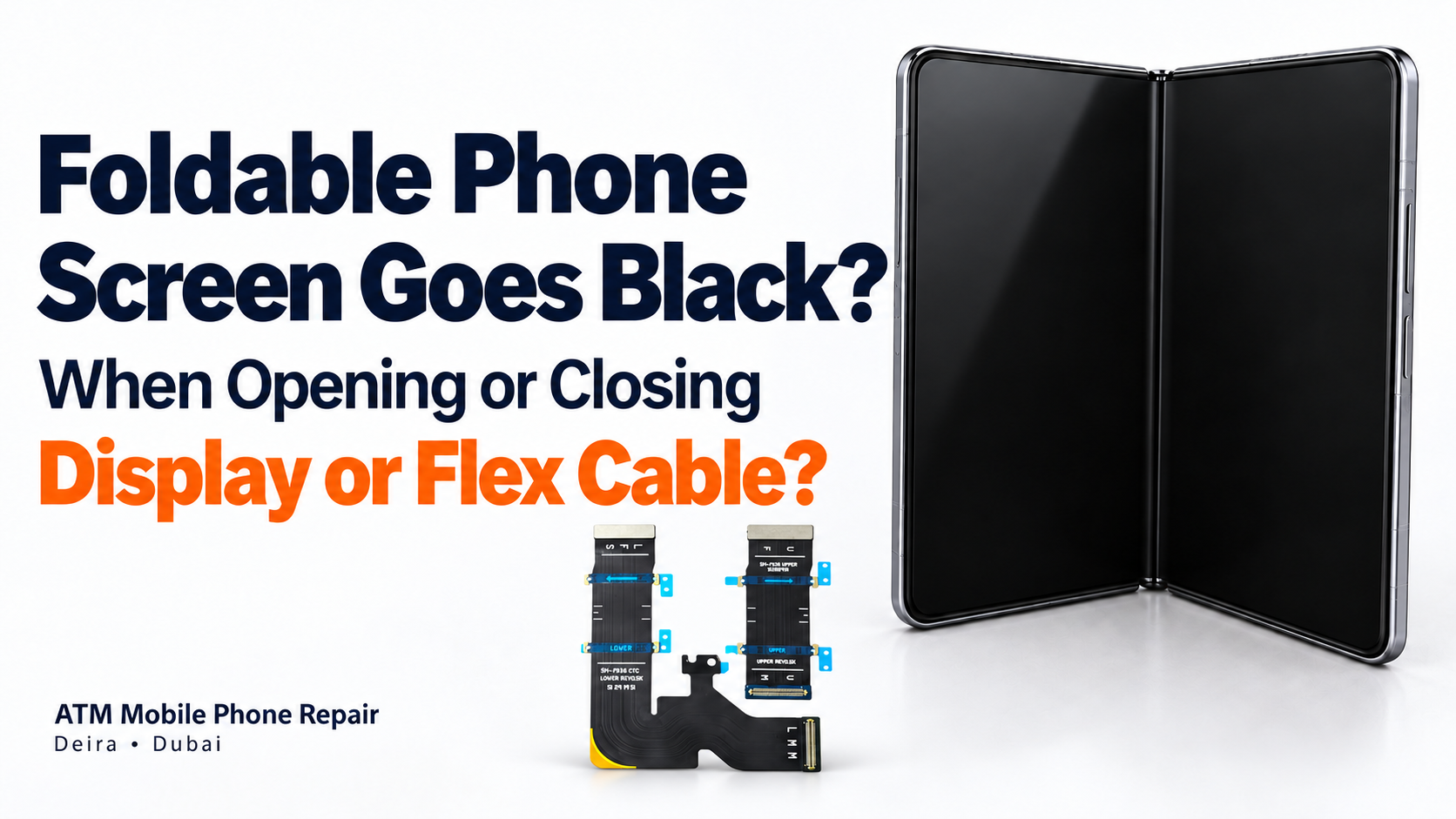
Does your foldable phone’s screen go black when you open or close it? The cause could be a flex cable, display, connector or another fault. Learn why a full display replacement is not always necessary.
Foldable Phone Screen Goes Black When Opening or Closing—Is It the Display or Flex Cable?
Your foldable phone works when partly open, but the screen goes black when you unfold it fully. Or the outside screen works normally while the inner display remains blank.
Does this mean the folding display is damaged and needs replacing?
Not necessarily. A faulty flex cable or connection can sometimes cause similar symptoms. However, the display itself can also fail, so proper diagnosis is essential.
At ATM Mobile Phone Repair in Dubai, we inspect foldable phones to determine whether a cable repair, display repair or complete display replacement is appropriate.
Why Can the Screen Stop Working When the Phone Moves?
Foldable phones contain a flexible display, a hinge mechanism and electrical connections that must function as the device opens and closes.
For example, iFixit’s original Galaxy Fold teardown shows ribbon cables routed across the hinge area to connect the phone’s two halves. The exact cable layout and repair options vary between models.
If a cable or connection is damaged, movement may interrupt communication or power. This can cause a fault that appears only at certain opening angles.
However, movement can also affect a damaged display panel or its bonded connections. A screen that works at one angle and fails at another is a useful diagnostic clue—not proof of a flex-cable fault.
What Is a Flex Cable?
A flex cable is a thin, flexible electrical connection used to carry power or signals between components.
In foldable-phone repairs, the term “flex cable” can refer to different parts:
Interconnecting cables: Connect boards or components across different sections of the phone.
Display flex cables: Connect the display assembly to the phone’s circuitry.
Bonded display connections: Attach directly to the display and may require specialist bonding equipment.
These are not interchangeable repairs. Replacing a detachable cable and repairing a bonded display connection involve different procedures, equipment and risks.
Signs That May Suggest a Cable or Connection Problem
A technician may investigate the cables and connections when:
The screen works only at certain opening angles.
The image flickers or disappears as the phone moves.
The display returns without restarting the phone.
The problem started after impact or a previous repair.
Other functions stop working at the same time.
These symptoms do not confirm which component is faulty. Similar behaviour can result from display damage, connector faults or problems elsewhere in the phone.
Tell the technician exactly what happens during normal use. Avoid repeatedly folding the phone to demonstrate the fault.
When Might the Display Itself Be Damaged?
The display panel needs careful assessment if you notice:
Black patches that resemble spreading ink.
Visible cracks across the folding area.
Permanent coloured lines.
A damaged area that no longer responds to touch.
Image distortion that remains at every opening angle.
These signs can indicate panel damage, but the final repair recommendation should follow inspection.
A flex-cable replacement cannot restore physically damaged pixels. Likewise, a normal-looking outer surface does not guarantee that the internal display layers are healthy.
Could Something Else Cause the Black Screen?
Yes. A black screen does not always come from the display or its cable.
Other possibilities include a damaged connector, a display-power circuit fault, software behaviour or a problem detecting whether the phone is open or closed.
Magnetic accessories can also interfere with fold detection on some devices. Samsung specifically notes that magnetic accessories may cause unexpected screen or call behaviour on certain Galaxy Z Flip phones. This should not be assumed to explain every foldable-screen fault.
If the issue began after fitting a new case or magnetic accessory, remove the accessory and check whether normal operation returns.
The Outer Screen Works—Does That Mean the Inner Screen Is Broken?
No. It confirms that the phone can operate through the outer screen, but it does not identify the cause of the inner-screen failure.
The inner display, its connections, power supply and screen-switching behaviour still need checking.
Also, the inner screen switching off when the phone closes is normally expected. The concern is when the appropriate screen fails to activate, the phone becomes unresponsive or the behaviour differs from normal operation.
Can the Phone Be Repaired Without Replacing the Full Display?
In suitable cases, yes.
If testing confirms a replaceable cable or repairable connection fault and the display remains healthy, it may be possible to retain the existing screen.
Depending on the model and diagnosis, the repair may involve:
Replacing a faulty interconnecting flex cable.
Repairing a damaged connector.
Specialist display-flex bonding where suitable.
Repairing a motherboard circuit that supplies the display.
A complete display replacement may still be necessary if the panel is damaged or a reliable separate repair is not possible.
At ATM Mobile Phone Repair, we assess these options before recommending major component replacement. Repair availability depends on the model, damage and spare parts.
Why Is Professional Inspection Important?
Foldable phones contain delicate screens and tightly packed components. Accessing a cable may require significant disassembly, even when the replacement part itself is small.
A proper inspection helps establish:
Whether the screen alone turns off or the entire phone shuts down.
Whether the fault changes with the opening angle.
Whether the display, frame or hinge has physical damage.
Whether there are signs of liquid exposure or previous repair.
Which repair can restore reliable operation.
If hinge damage is placing stress on a cable, that damage also needs assessment. Replacing the cable alone may not address the underlying problem.
What Should You Do Before Bringing the Phone for Repair?
Back up your data while the phone is still accessible. If the outside screen works, use it to save important photos, contacts and documents.
Then:
Reduce unnecessary opening and closing.
Do not force a stiff or jammed hinge.
Do not press on the crease to make the image return.
Avoid heating the phone or applying glue.
Do not peel off the inner screen protector as a troubleshooting step.
Tell the technician about drops, liquid exposure and earlier repairs.
If the phone becomes unusually hot, swells or has recently suffered liquid damage, stop using and charging it until it has been inspected.
How Much Will the Repair Cost?
The cost depends on the phone model and the confirmed fault.
A separate cable repair may cost less than a full folding-display replacement, but labour, disassembly, bonding work and additional damage can affect the quotation.
The expected completion time also depends on parts availability and testing. The price and turnaround should be confirmed after diagnosis.
Foldable Phone Screen Repair in Dubai
A foldable screen that goes black when opening or closing does not automatically need replacement. A flex cable or connection may be responsible—but the same symptom can also come from a damaged panel or another fault.
The best starting point is to identify the cause before paying for a major replacement.
ATM Mobile Phone Repair in Deira – Al Murar, Dubai, provides foldable-phone inspection, flex-cable repairs, specialist display bonding and display replacement for supported models.
Contact us with your phone model and a description of what happens when you open or close it. We can inspect the device and explain the available repair options.
Was this article helpful?