
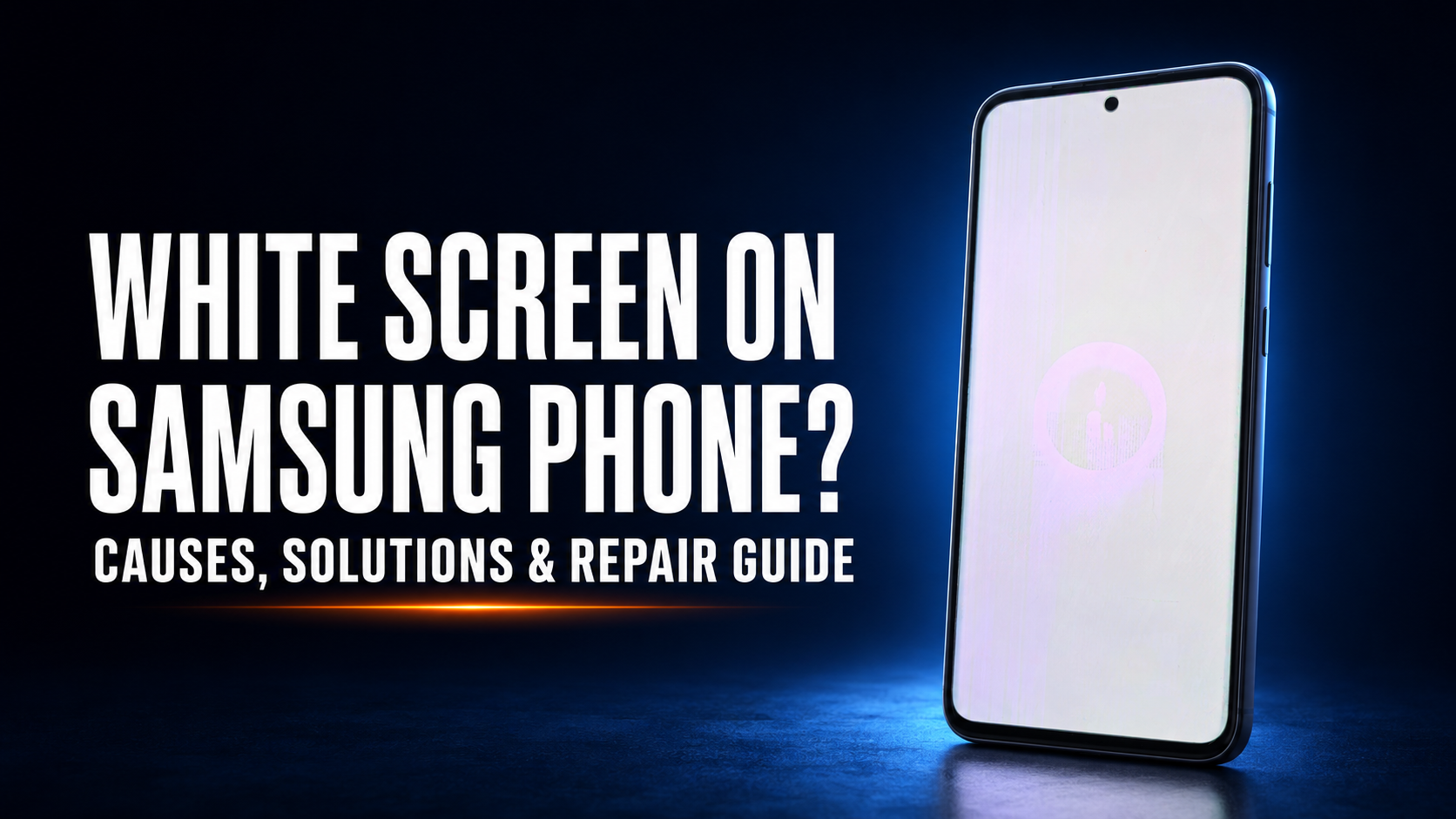
Is your Samsung phone showing a white screen or white display? Learn the common causes, whether your data is safe, and when professional OLED display repair is the best solution.
White Screen on Samsung Phone? Here's Why It Happens
A white screen on a Samsung phone is a common display issue that can occur suddenly, even if the phone wasn't dropped. The screen may become completely white, partially white, flicker, or display white lines while the phone is still powered on.
Although many people assume the display is completely damaged, the actual cause can vary depending on the condition of the device.
Common Causes of a White Screen
Several issues can cause a Samsung phone to display a white screen:
1. OLED Display Damage
The most common cause is a damaged AMOLED/OLED display. Even a small internal crack can cause the display to turn white.
2. Display Flex Cable Problem
A loose or damaged display flex cable can interrupt communication between the display and the motherboard.
3. Impact Damage
Dropping the phone can damage the display internally, even when the outer glass remains unbroken.
4. Water or Moisture Damage
Liquid entering the phone may affect the display connector or motherboard, resulting in a white screen.
5. Software Corruption
A failed software update or corrupted system files can occasionally cause display abnormalities during startup.
6. Motherboard Fault
In some cases, a faulty display IC or motherboard component may prevent the screen from displaying images correctly.
Common Symptoms
Your phone may show one or more of the following:
Completely white screen White screen with touch still working White screen with green or pink lines Flickering white display White screen after a phone drop White screen after water damage Phone rings but nothing appears on the display Can It Be Repaired?
Yes, in most cases.
The correct repair depends on the root cause.
Possible solutions include:
Display flex cable repair OLED flex bonding repair (for selected models) Display replacement Motherboard repair Software restoration
A proper diagnosis is always recommended before replacing expensive parts.
Is Your Data Safe?
If the problem is limited to the display, your photos, contacts, and files are usually safe.
However, if the issue involves motherboard damage or storage failure, additional repairs may be required before the data can be accessed.
Avoid repeatedly restarting the device, as this may worsen certain hardware faults.
How to Prevent White Screen Problems
You can reduce the risk by following these tips:
Use a quality protective case. Avoid dropping the phone. Keep the device away from water and excessive humidity. Use original or certified chargers. Do not expose the phone to extreme heat. Replace damaged screen protectors or cracked displays promptly. Why Choose ATM Mobile Phone Repair?
At ATM Mobile Phone Repair, we specialize in advanced Samsung smartphone repairs using professional diagnostic equipment.
Our services include:
Samsung OLED display repair Flex bonding repair (selected models) Display replacement Motherboard repair Water damage repair Data recovery Professional diagnostics
Our technicians inspect the device carefully before recommending a repair, helping customers avoid unnecessary expenses whenever possible.
Need Professional Help?
If your Samsung phone is showing a white screen, don't ignore the issue or keep forcing restarts.
Bring your device to ATM Mobile Phone Repair for a professional inspection. Early diagnosis can help prevent further damage and may save you the cost of a complete display replacement.
Was this article helpful?