
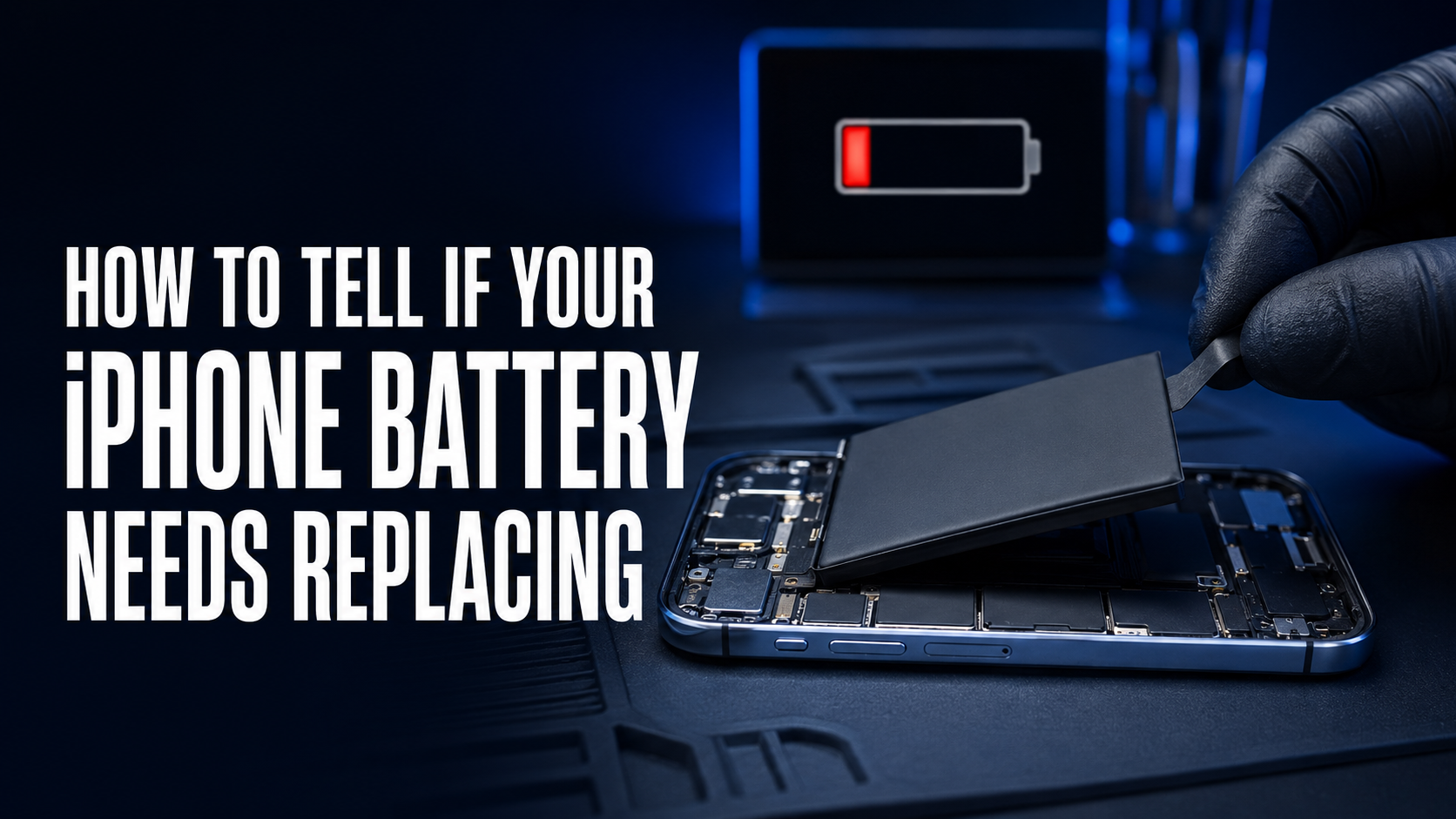
Is your iPhone battery draining quickly or shutting down unexpectedly? Learn the warning signs of a failing battery, how to check battery health, and when it's time for a replacement.
How to Tell If Your iPhone Battery Needs Replacing
Your iPhone's battery is designed to last for hundreds of charging cycles, but like all rechargeable batteries, it gradually loses its ability to hold a full charge over time.
If you've noticed your iPhone doesn't last as long as it used to, or it unexpectedly shuts down, your battery may need replacing.
Here are the most common signs to watch for.
1. Battery Drains Much Faster Than Before
One of the first signs of battery wear is rapid battery drain.
If your iPhone needs charging several times a day despite normal use, the battery's capacity has likely decreased.
2. Battery Health Is Below 80%
Apple includes a Battery Health feature that shows the battery's maximum capacity.
To check it:
Settings → Battery → Battery Health & Charging
If Maximum Capacity is below 80%, Apple generally recommends replacing the battery because it can no longer deliver peak performance.
3. Unexpected Shutdowns
Does your iPhone suddenly switch off even though the battery still shows 20–40%?
This often happens because an aging battery can no longer provide stable voltage when the phone needs extra power.
4. Your iPhone Becomes Slow
To prevent unexpected shutdowns, iOS may reduce your iPhone's performance when the battery becomes weak.
You may notice:
Apps open slowly Camera launches slowly Lag while scrolling Overall reduced performance
Replacing the battery often restores normal speed if the battery is the cause.
5. Battery Percentage Jumps Up and Down
If your battery percentage changes suddenly—for example:
60% → 30% 25% → 1% 80% → 50%
the battery may no longer be measuring its charge accurately and should be inspected.
6. The Battery Swells
A swollen battery is a serious safety concern.
Signs include:
Screen lifting from the frame Back cover separating Bulging device Difficulty pressing the screen
Stop using the phone immediately if you suspect battery swelling.
7. iPhone Gets Hot During Normal Use
It's normal for an iPhone to become warm during gaming, video recording, or charging.
However, if it overheats during light tasks like messaging or browsing, the battery may be deteriorating or another internal issue may be present.
8. Charging Takes Longer Than Usual
If your iPhone charges very slowly—even with a genuine charger—the battery, charging port, or charging circuit may require inspection.
Professional diagnostics can identify the exact cause.
9. Service Battery Warning
Some iPhones display messages such as:
Service Recommended Important Battery Message Battery Health Significantly Degraded
These warnings indicate that the battery should be checked or replaced.
How Long Does an iPhone Battery Last?
Most iPhone batteries are designed to retain around 80% of their original capacity after approximately 500 complete charge cycles.
Actual lifespan depends on:
Charging habits Temperature Usage patterns Charger quality Tips to Extend Battery Life
You can help your battery last longer by:
✅ Using original or certified chargers
✅ Avoiding extreme heat
✅ Keeping your battery between 20% and 80% whenever practical
✅ Updating iOS regularly
✅ Reducing unnecessary background activity
✅ Avoiding overnight charging with poor-quality chargers
Should You Replace the Battery or Buy a New iPhone?
In many cases, replacing the battery is a much more affordable solution than replacing the entire phone.
If your iPhone is otherwise working well, a new battery can:
Restore battery life Improve performance Reduce unexpected shutdowns Extend the life of your device Why Choose ATM Mobile Phone Repair?
At ATM Mobile Phone Repair, we provide professional iPhone battery diagnostics and replacement services using high-quality batteries and precision repair techniques.
Our services include:
Battery health testing Professional battery replacement Charging port repair Charging IC diagnosis Water damage inspection Motherboard repair Device performance testing
Every device is tested before and after repair to ensure reliable performance.
Final Thoughts
A weak battery doesn't just reduce battery life—it can affect your iPhone's speed, stability, and everyday usability.
If you're experiencing rapid battery drain, unexpected shutdowns, or a battery health reading below 80%, it's a good idea to have your device professionally inspected.
Replacing the battery at the right time can improve performance, extend the life of your iPhone, and help you avoid more costly repairs later.
Visit ATM Mobile Phone Repair for a professional battery health check and expert replacement service.
Was this article helpful?