
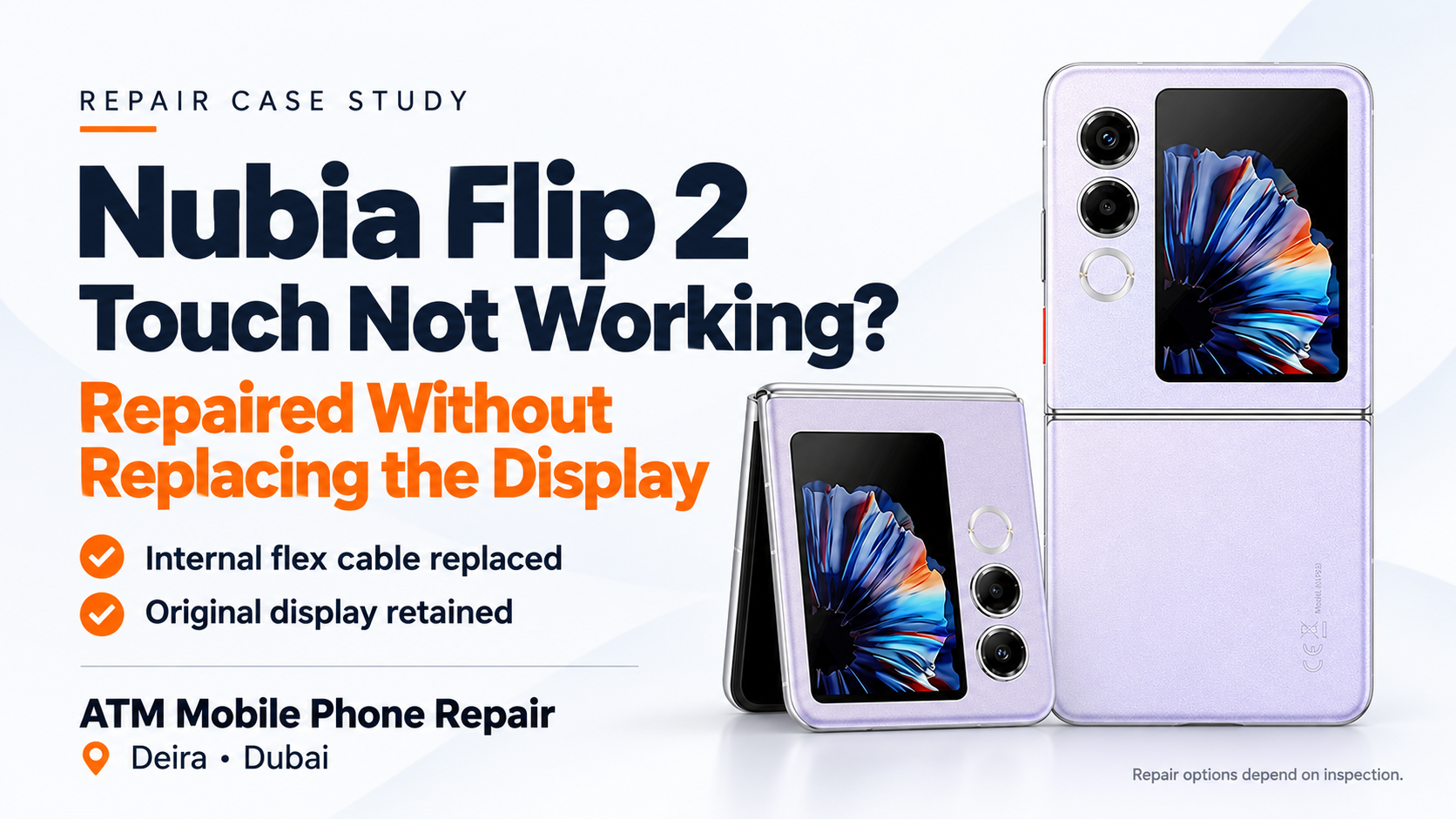
A Nubia Flip 2 came to ATM Mobile Phone Repair with an unresponsive touchscreen. We restored its touch function by replacing an internal flex cable, keeping the original display.
Nubia Flip 2 Touch Not Working? We Repaired It Without Replacing the Display
When a phone stops responding to touch, it is easy to assume that the entire display needs replacing. On a foldable phone, that can be an expensive concern.
However, touch failure does not always mean the display itself is faulty.
In a recent repair at ATM Mobile Phone Repair in Dubai, a customer brought us a Nubia Flip 2 with touch not working. We repaired the problem by replacing an internal flex cable—without replacing the display.
This case shows why identifying the fault matters before recommending a major replacement.
The Problem: An Unresponsive Touchscreen
The customer’s complaint was straightforward: the phone was not responding to touch.
Without a working touchscreen, everyday tasks become difficult. Unlocking the device, opening applications, typing messages and answering calls may all be affected.
The symptom tells us what is wrong from the customer’s perspective, but it does not automatically identify which component needs replacing.
Our task was to establish whether the existing display could be retained.
The Repair: Replacing the Internal Flex Cable
In this particular device, the repair required replacement of an internal flex cable.
Replacing that cable restored touch functionality, allowing us to keep the phone’s original display.
The repair did not involve fitting a new folding screen or replacing the complete display assembly.
Repair detail
This case
Device
Nubia Flip 2
Reported problem
Touch not working
Part replaced
Internal flex cable
Display replaced?
No—the original display was retained
Result
Touch functionality restored
This outcome applies to the device we repaired. Another Nubia Flip 2 with the same symptom may require a different solution.
Why Was Keeping the Original Display Important?
When a display remains usable, retaining it avoids replacing a component that does not need to be changed.
For this repair, replacing the faulty cable offered several practical benefits:
The original display stayed in the phone.
A complete display replacement was avoided.
The repair addressed the component responsible for the fault.
Fewer parts needed replacing.
A suitable cable repair can offer a lower-cost alternative to replacing a folding display. The actual quotation depends on the device’s condition, parts and labour required.
Does Every Nubia Flip 2 Touch Problem Need a Flex Cable?
No. This is a successful repair example, not a diagnosis for every device.
An unresponsive touchscreen needs inspection before the repair method can be confirmed. The technician must determine whether the problem involves the display assembly, a connection or another part of the phone.
Visible damage, previous repairs and liquid exposure can also affect the available options.
We therefore cannot promise a cable-only repair simply because another phone has the same symptom.
The right approach is to inspect first and replace only what the diagnosis supports.
Is This the Same as a Broken Screen Repair?
No. In this case, we restored touch through an internal cable replacement while retaining the display.
If a phone also has a cracked inner screen, damaged pixels, black patches or other display damage, those issues require separate assessment. Replacing a flex cable should not be presented as a way to repair every type of screen damage.
When requesting a quotation, explain both the touch problem and any visible damage. This helps the technician understand the complete complaint.
Why Not Replace the Display Immediately?
Replacing a complete display without confirming the cause may lead to unnecessary expense.
Our Nubia Flip 2 repair demonstrates that a smaller component can sometimes be responsible for a problem that appears to require a much larger replacement.
This does not mean display replacement is always the wrong recommendation. It means the recommendation should follow diagnosis rather than the symptom alone.
If you have received a display-replacement quotation, you can ask whether the fault has been confirmed and whether a separate component repair is suitable.
What Should You Tell the Technician?
When bringing a Nubia Flip 2 with a touch problem, useful information includes:
Whether touch stopped suddenly or gradually.
Whether the entire screen or only part of it is unresponsive.
Whether the problem changes during normal opening or closing.
Whether the phone was dropped or exposed to liquid.
Whether it has been repaired before.
Whether retaining important data is your main priority.
You do not need to repeatedly fold the phone or press hard on the screen to demonstrate the issue. Describe what you have already noticed during normal use.
How Much Does the Repair Cost?
The cost can be confirmed after inspection.
It depends on the actual fault, the condition of the phone, the required part and the work involved. A cable-only repair and a complete display replacement are different jobs, so they should not be quoted as if they were the same.
Turnaround time also depends on diagnosis and spare-part availability.
Contact us with your model and symptoms, and we can explain the next step.
Nubia Flip 2 Repair in Dubai
Our recent Nubia Flip 2 repair had a clear result: touch restored, internal flex cable replaced, original display retained.
If your Nubia Flip 2 touchscreen is not working, a complete display replacement may not be necessary—but inspection is needed to confirm that.
ATM Mobile Phone Repair in Deira – Al Murar, Dubai, provides diagnosis and repair for supported Fold and Flip phones, including assessment of flex-cable and display faults.
Contact us to check the repair options for your device before deciding on a full display replacement.
Was this article helpful?